Project Planning for Notic Meet

One thing that I struggle with is the feeling of being overwhelmed when there is a lot to do. To break out of that cycle for the Notic Meet project, my plan today is to make a list of all things that need to be in place so that I can focus on building the app and do those things needed to promote it and build a community.

Overwhelm, in this instance, comes from a few places in this app challenge. One of them is not knowing SwiftUI as well as I knew it a couple of years ago. This causes me to want to start but not quite know how to start, so I feel overwhelmed, then procrastinate and think I’ll try again later. The fix for that is in place by doing a quick refresher on SwiftUI to remember how it works so that I can focus on building and not trying to remember how to build. Another element will be planning all the features that need to be included in the MVP. Knowing what needs to be done and primarily knowing how to do it should remove friction and help me focus on actual work.

Another reason for overwhelm is not having everything set up to document and blog about the progress with Notic Meet. Yes, I can write notes in an app on my Mac or iPad, but I need to publish those words online either in blog post form or via an email newsletter. Although I’m blogging the process here on newill.dev, I also have a couple of Notic domains, one of which will be for the Notic products and the other to be the home for a weekly newsletter sent out by email.

I intend to only spend a small proportion of time on writing content, perhaps an 80/20 split between building the app and documenting. Still, I feel documenting the work is an essential part of promoting it and might have the bonus of helping some of you to launch your product.

For the content, I have already purchased the needed domains. One of them is this blog which is my personal space for writing about this project and sharing other programming and productivity ideas. Other domains are for Notic Meet/PKM, the products and another Notic domain for the weekly newsletters I want to start sending out.

I plan that once all of the technical sides are sorted out that I can then focus my time where needed, which is designing and building Notic Meet.

Regarding the app, I don’t have specific deadlines for when features of the Notic Meet app will be finished except for a product six months from when I wrote the introduction post a couple of weeks back.

Before I begin, here’s a quick update of where I am at with Notic Meet. Last week I mentioned that I was studying how to use SwiftUI. It has been a couple of years since I last looked at it, and even then, I hadn’t built any production-ready apps with it. Most of my previous efforts were in Objective-C and then Swift. I am still studying SwiftUI, probably about a quarter of the way through. It all makes sense so far and is easy to follow. I still don’t know what problems I will hit with using it for Notic Meet, but I’ll tackle them as I reach them. I expect to be finished a basic overview of SwiftUI in the coming week.

What Needs to be Done

Several things need to be in place so that I can make this project work. A lot of it is just setting up and mostly forgetting about, such as creating a GIT repo with the new project, setting up WordPress, setting up an email list and so on. The items below are in no particular order.

One of the first things I have done is get this blog, newill.dev, up and running. This is where much of my blogging will go and will be a mix of information about how the Notic Meet project is going and other technical-related things. Now that the blog is running, I have a quick and easy place to write my content. At the moment, I don’t care about design. The theme used here is Twenty Twenty-One and comes as standard with WordPress. I made a couple of tweaks but left it primarily as is. This will do for now. At some point in the future, when I have a more healthy amount of content, I will start putting up menus with links to categories to make navigating it more accessible. Still, because this is only the fourth post, there isn’t much sense in me trying to guess how users will navigate the site.

Another important step, which I took a while back, was to register the domain names. One domain will be a place for the products, both Meet, PKM and others that might happen in the future. When a web-based version comes along, it will also be home to the login and product pages for each product. The other domain will be used for my general interest in meetings, planning, and personal knowledge management. It will likely be used for a weekly newsletter about those and will link to any products in this field.

Speaking of weekly newsletters, I need to plan a way of tracking interesting articles and products in this space so that I can write about them. Although I will compete with some of the products, I am a firm believer that there is more than enough room in the market for competing products. My product might not be a good fit for many, but I hope some will gel with it and become regular users. To keep a weekly newsletter going, I need to schedule a time to read related articles and automate a way to get articles into some kind of tracking system, potentially a product like Instapaper, where I can just click a button to “read it later”. Of course, with email, I can also schedule newsletters in advance so that in the weeks where things are a little too busy, I can have a newsletter mostly complete so that all I need to do is write a paragraph and hit send.

Back to the domains, both of the domains will need to have WordPress installed as well as a decision about where WordPress will be installed. Will the newsletters be on a subdomain, a domain in a folder, or mixed? I haven’t decided yet, but I will do so this coming week.

Like newill.dev, the two Notic domains will initially start with a very sparse and free theme, and as the product ramps up, I will consider spending more time on their design.

Learning SwiftUI is on my list of things to finish this coming week. When I say learning it, I don’t mean becoming a pro at SwiftUI; I mean knowing enough about the mechanics of it that I can almost comfortably build an app and understand the architecture of how it works. Given that I have known iOS development for around 10 years, mixed with Objective-C and Swift, I don’t expect to spend too much time learning the basics of SwiftUI and catching back up to where I was with it a couple of years ago.

Task management and issue tracking will be one requirement. Having worked on two types of projects, those that are just made up as we go along and the other where each feature is planned, I much prefer working on features that are planned. So much time is saved by spending a short amount of time planning what a feature does and what it shouldn’t do. This helps to avoid scope creep as well.

For task management, I have been a long-time OmniFocus user on iPhone, iPad, and Mac. I will continue to use this to track more significant parts of the project that are non-programming such as weekly tasks to find content, prepare content, and so on as well as reminders of when to publish content.

For issue tracking, I will be using Linear. I came across this a couple of years ago and like the experience, which feels lightweight. It will also help me keep tabs on features and the tasks that belong to the features.

Another step I need to take is finalising what MVP will be for Notic Meet. At the moment, I have too many features, many of which need to be bumped to a future version of the app, but before doing that, I need to simplify what the app needs to function well and benefit those that use it.

I plan to finish all of the smaller tasks this week by getting the domains hosted, set up with WordPress, and also setting up signup pages for ConvertKit, which I will use for sending emails.

I’ll post an update this Friday with my progress.
 

Learning SwiftUI – Again

I wrote last week about the six-month app challenge I am working on; which is to release an iPad app in the next six months.

Over the past couple of years I have mostly been working with progressive web apps or in recent times a Maui app written in C#. I haven’t done much at all with SwiftUI for those couple of years, so this week I decided to take a refresher so that I could remember how SwiftUI apps work and are built. Native iOS dev is my favourite, but working on multi-platform codebases has been interesting too.

With Notic Meet being a SwiftUI-based app, I need to relearn this as I work on it, but I needed a quick refresher so that I could get started.

What I do remember being reasonably easy is the concept of how views work. I don’t mean to belittle a designer’s role when I say easy. I’m more meaning that the mechanics of using views is relatively simple. Making it look good is the real challenge.

A SwiftUI app begins in the “YourApp.swift” file which creates a scene with a WindowGroup and within that, the initial view is added. The default is called ContentView.

YourApp.swift could look like this:

var body: some Scene {
    WindowGroup {
        ContentView()
    }
}

ContentView is declared as a struct and conforms to the View protocol which requires a body that returns “some” view. When creating a new SwiftUI file you are given this:

import SwiftUI

struct Test: View {
    var body: some View {
        Text("Hello, World!")
    }
}

struct Test_Previews: PreviewProvider {
    static var previews: some View {
        Test()
    }
}

I called this view Test. It has a body that returns some View. Some is an opaque return type, meaning we must return a view. SwiftUI has many views built in, but as long as the view used conforms to the View protocol, then it can be returned. In this particular example, the view being returned is Text(“Hello, World!”) which puts that message in the middle of the screen.

One question you might have is about “returning” some View. You don’t see the word return in this code. That is because we don’t need it. Just having Text(“….”) is enough.

The Test_Previews struct is used to create a preview in Xcode to see what your app looks like as you build the view. This returns Test() which is the actual view. Although Test currently has no parameters, if it did we would need to pass in some fake data when we return Test in the preview. I’ll show how that works in a later post.

The neat thing about SwiftUI is being able to nest views in views. If we want to display more than just text, we can wrap them in a list, a vertical stack (VStack), a horizontal stack (HStack) and others. The example below shows how we can make a static table:

List {
    Text("Hello, World!")
    Text("Goodbye, World!")
}

We are still returning the single view, which in this case is a List, but within that list, we have two Text views.

We don’t need to use the SwiftUI-provided views. This particular view is called Test. We could pull Test into ContentView as follows:

struct ContentView: View {
    var body: some View {
        NavigationView {
            Test()
        }
    }
}

In the example above, the Test view is nested in a NavigationView. The NavigationView provides navigation for the project although it is lacking a title which can be added in just after Test as follows:

.navigationTitle("Test Nav")

To align text, change style such as colour, font etc… you can apply modifiers. If you add .padding() below one of the Text views you will see a default amount of padding being added around the text.

Text("Hello, World!")
    .padding()

I found this part of views very simple to follow. You return a View. It doesn’t matter what view you return as long as it conforms to View. This way you can build up the look of your app and add in modifiers to change the layout a little more.

The Plan

Notic Meet will be using SwiftUI. I am not experienced enough to know if it will work for all that is needed. A lot of UI will be pretty boilerplate. The app will have a simple look and layout. I don’t know SwiftUI well enough to know its weaknesses yet, although I will post my findings as I build the app.

The next step is to finish relearning SwiftUI because I will need things like core data, and CloudKit, as well as to understand the design patterns of SwiftUI. At the moment I am mostly familiar with just Swift and MVC as well as MVVM. I typically leaned more towards MVVM with my work in Swift in days gone past, but as of yet, I don’t remember too much about the structure of a SwiftUI app.

I am familiar with @StateObject, @Published, and @EnvironmentObject, but couldn’t explain that without having to study them quickly first. That will come though and I expect by the end of September there will be good progress to see something working for Notic Meet.


The App Challenge: Zero to Product in Six Months

I have been thinking about building a particular product for a couple of years now but just haven’t made, or perhaps kept, the commitment to keep working on it. Rather than keeping to myself, I thought it would be wise to share with the world what I’ll be working on with the aim of being held accountable to someone. As I work through this challenge for the next six months I’ll be sharing what I am doing along the way.

… 
 

Welcome

Welcome to newill.dev. This is my blog about dev in general, from the books I read to the code I write and the side-projects I am building. My life is pretty full of adventure and responsibilities, such as being married, having five children, ages 14 and under, and responsibilities in my church life.

This blog will cover how I work and what I am learning.

Speaking of the books I read, they are not often programming related, although my aim in the coming years is to venture more into reading books, such as The Pragmatic Programmer, and write short reviews about what I read and how it has helped me in my career.

As well as reading programming books, I may share reviews of other books if there is some relation to how I work and how it helps me day today be a better developer or better at how I work.

I’m working on a couple of things for my side projects right now. One is a note-taking app explicitly aimed at meetings and how action points are captured and followed up. The need for the app has arisen from my responsibilities over the last 20 years of being in meetings and capturing the essential things discussed. I aim to create a more simple way that works for me and, in the process, perhaps help others.

For now, comments are left open, so please ask questions, and I’ll endeavour to reply promptly.


Using GraphQL in Laravel with Lighthouse PHP

Although I wrote about how to create a model and controller with one command line, it will be unlikely that I will need to do this for the API I build because I am actually going to be using GraphQL. I first used GraphQL last year when I maintained an API for a company and also built a new API with it for a messaging service to be used within the same company internally. To use GraphQL with Laravel I will be using the lighthouse-php framework.

… 
 

Creating a Controller and Model in Laravel

I recently started building a new SaaS product for note-taking. It’s very early on in development. This series of posts serves partly to remind me how to do something, and also as a way to help anyone who is searching. This series is not intended to be a comprehensive series of posts to cover everything Laravel, but rather just what I come across and need reminding of at a later date.

… 
 

Moving Chessboard Pieces with Pygame

I am working in a small team of friends learning Python. To learn the basics of it we decided to build a chess game. This is the third post about it. You can see part 1 and part 2 here.

In this post, I will cover how I move the chess pieces. I do not know if this is the correct way, but for now, it works. I need to create a chessboard class and also move some of the properties of the board to there such as the squares, but for now, the chessboard is just a method in main.py. The code below shows part of the main loop that deals with mouse clicks.

… 
 

Creating a Chessboard with Pygame Part 2

Recently I wrote about learning Python by creating a chess game. I am new to Python, although not new to programming. Python has intrigued me for the last few months, especially how popular it seems to be (second place on GitHub fourth quarter 2020). When an opportunity came up to work with some friends and learn it I jumped at it.

Chess Game

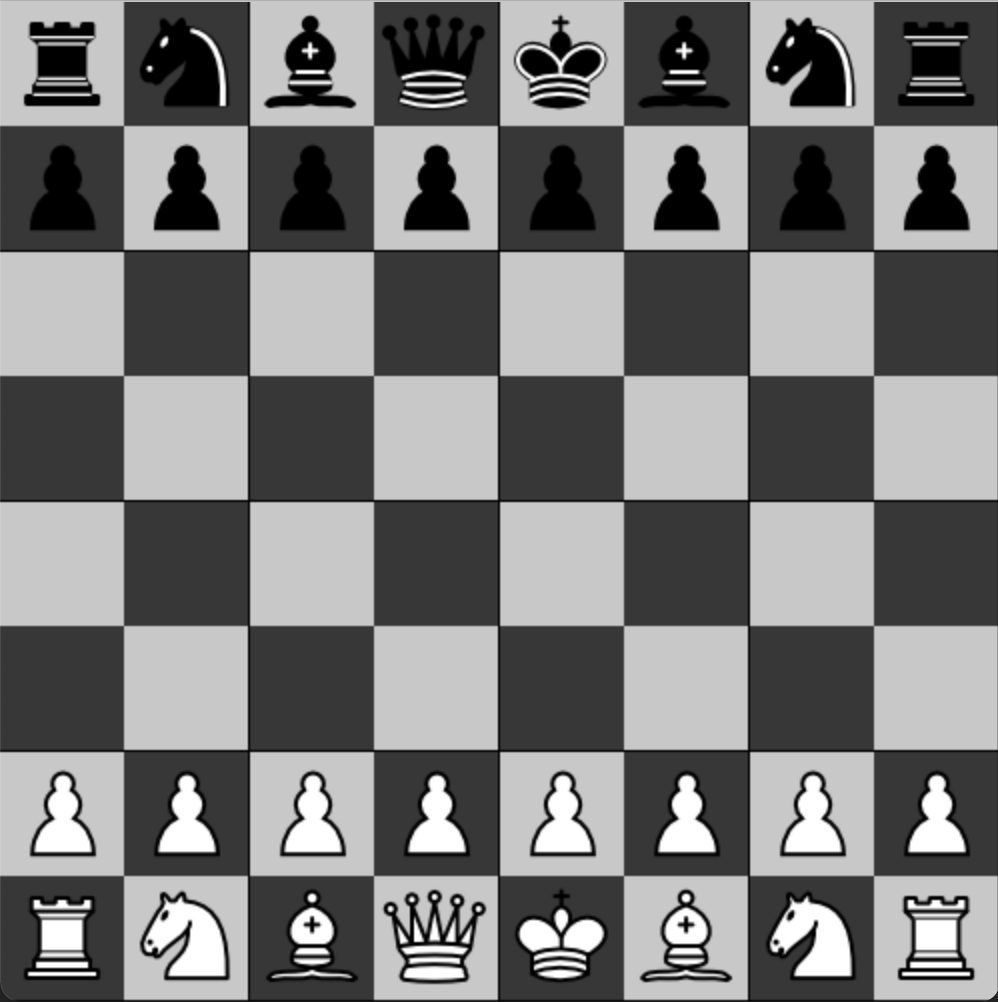
In the last post about the chess game I wrote about getting familiar with Pygame and was able to programmatically draw a chessboard on the screen. I didn’t make much of an attempt at classes and structuring the program in any good way. In this post, I want to show what I have managed to accomplish as part of my teamwork. The image above shows how it looks now when I run the program.

… 
 

How to Ignore Files with Git that Have Already been Committed

After setting up the beginnings of the chess game in my IDE I found that there were a lot of files that I accidentally committed but did not need committing as they were related to the IDE. The others in the group are using different IDE’s and have no need to see those files related to my IDE. Adding the folders to .gitignore wasn’t enough to remove what was already committed and pushed to GitHub.

After searching around StackOverflow I came across this post which pointed me in the right direction. I ended up using the command suggested by Nate in response to the accepted answer. I’m not keen on copying/pasting but figured that since I won’t be pushing any updates until I see it works then this will be fine. If everything broke, I could just re-clone the project.

The command I used:

git ls-files -i -z --exclude-from=.gitignore | xargs -0 git rm --cached
… 
 

Creating a Chessboard with Pygame Part 1

I mentioned recently that I was learning Python. I’m working with a few friends on learning the basics. My background is mostly Objective-C and in recent years, Swift. I also programmed in PHP last year for several months working with Laravel, Lumen, Lighthouse, and GraphQL.

To learn Python we decided to begin looking at making a chess game using Pygame. This post shows my attempt to get the chessboard on the screen. I opted to store the coordinates of each square in a class along with their size and if they are black or white. I don’t yet know if this is an efficient way, but for now, it’s helping me learn the Python syntax and work with a few nested loops and a multidimensional list.

…